CKYC Compliance Made Simple: A Guide to the Full Search, Download, and Upload Process
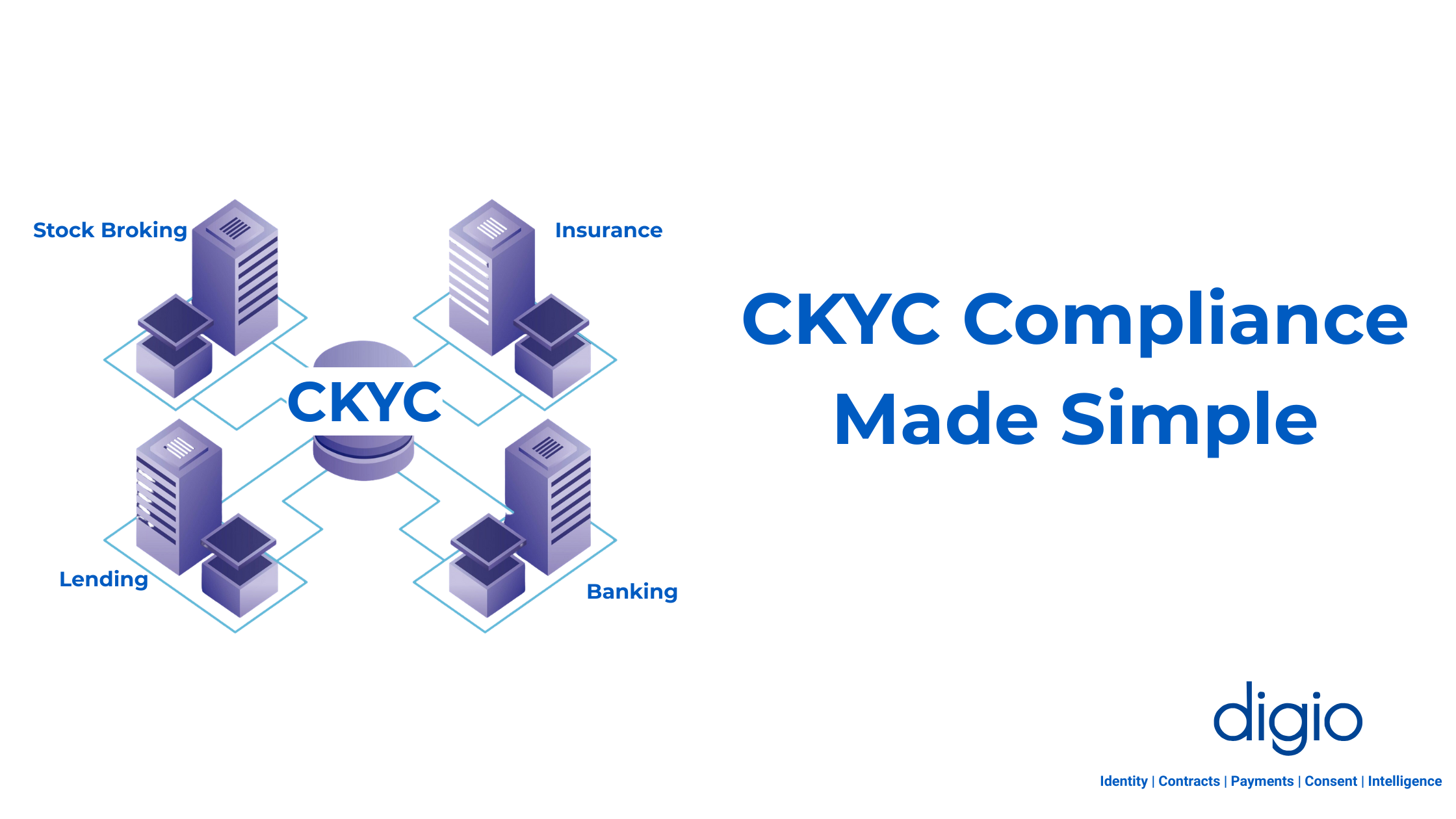
A concise guide to CKYC compliance, explaining how to search, download, and upload KYC records via CKYCR, simplifying onboarding across banks, mutual funds, and financial services.
Navigating India's financial compliance landscape can be complex, and at its heart is Central Know Your Customer (CKYC). For any organization in banking, insurance, securities, or other regulated financial services, mastering the CKYC process isn't just a good practice; it's a regulatory mandate.
This guide breaks down what you need to know about the CKYC process, the common pitfalls to avoid, and how to build an audit-proof compliance system.
What is CKYC, and why is it essential?
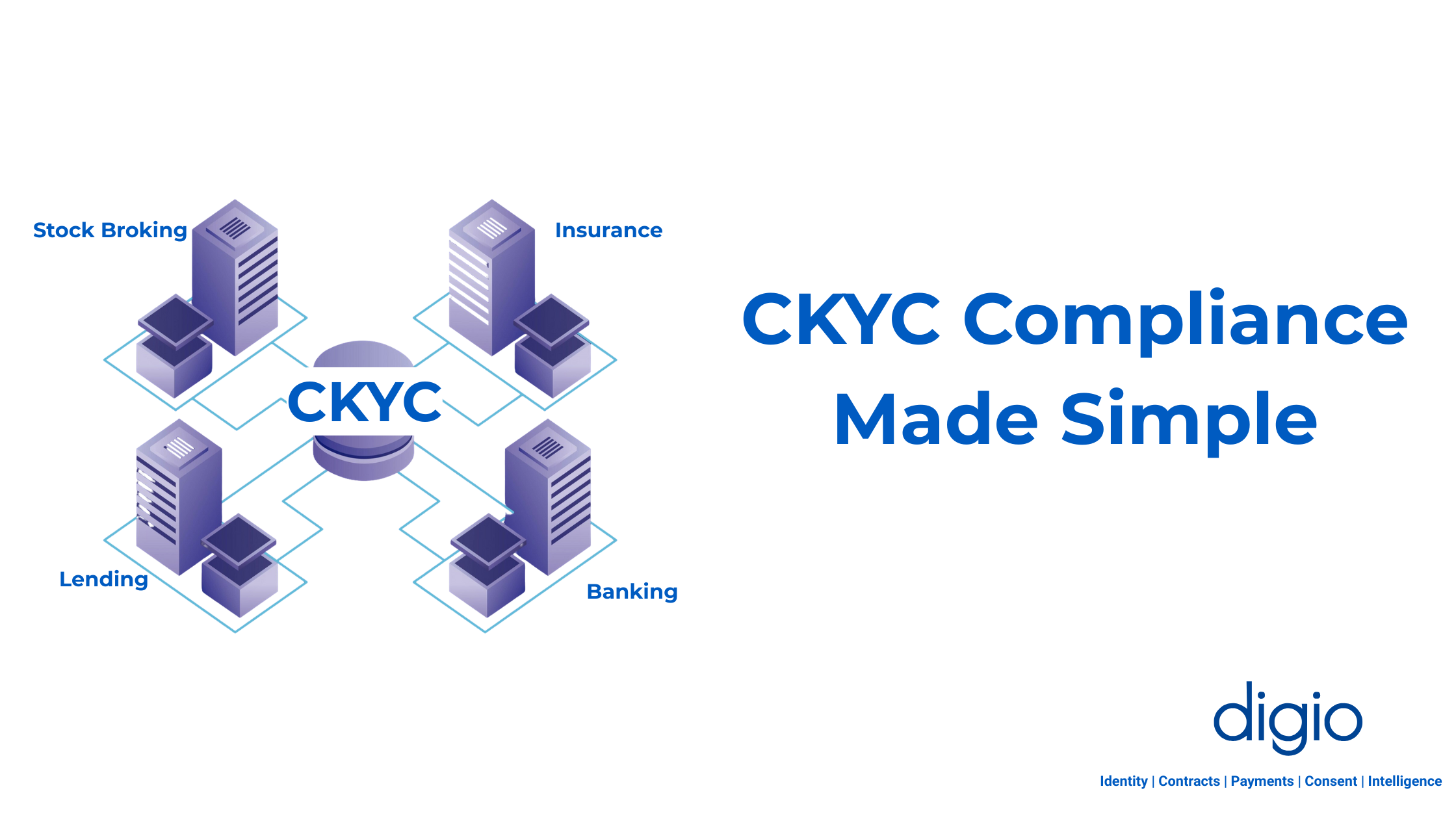
CKYC is a centralized repository for customer KYC (Know Your Customer) records in India, managed by the Central Registry of Securitisation Asset Reconstruction and Security Interest of India (CERSAI).
Think of it as a single, shared database. When a financial institution (FI) onboards a customer, it uploads the customer's KYC data to this central registry. Other FIs can then access this verified data, streamlining onboarding and preventing duplication.
For your organization, engaging with CKYC is mandatory for compliance and maintaining a single source of truth for customer identity across the Indian financial ecosystem.
FIs often comply with these regulations in two modes, sync or batch modes. In sync mode, FIs complete most of the straight-through CKYC processes during user onboarding with the operations team as a fallback for difficult or complicated scenarios. This process introduces some friction in the user-onboarding journey, but can be operationally lighter.
In batch mode, all the CKYC scenarios are handled by the operations team.
Either way, firms have 7 days to complete the whole process.
The 3 Core CKYC Operations
The CKYC process is built on three main operations: Search, Download, and Upload. While they sound simple, each has critical nuances.
- Search: Finding Your Customer
This is the first step. You search the CKYC registry using an identifier like a PAN or Aadhaar to see if a record for your customer already exists. This can be done via real-time API, a batch file upload via Secure File Transfer Protocol (SFTP), or manually on the CKYC dashboard.
- Download: The Most Critical Step
Here's a crucial point many miss: Since January 2025, the CKYC Search API only returns a masked CKYC number (e.g., $XXXX1234$). To get the complete, unmasked CKYC number and the full customer record, you must perform a download. This is not optional. The full CKYC number is required for all audit trails and compliance records. Skipping this step is a direct compliance violation. Regulated Entities are required to display the KYC Identifier on Passbook, Account Statement, Mobile Banking Application, Internet Banking, Insurance Policy, Demat Account, etc.
- Upload: Registering or Modifying Records
This operation is used to either register a new customer in the CKYC database or update (modify) an existing customer's information. This is typically done by uploading files via SFTP.
Once you upload a customer's file, your FI code is linked to their CKYC Number. This activates a helpful feature called unsolicited updates. In the future, whenever that customer updates their KYC details, you will receive an automatic notification. Then you can download the latest CKYC data, ensuring your records are always accurate and fully synchronized. If you do not raise a modification request when required, you will not receive unsolicited update notifications about customer record changes.
Common CKYC Hurdles
Managing the CKYC workflow manually can lead to significant compliance and operational challenges. Here are the most common issues organizations face.
- Checker Approval:
This is a mandatory step for any SFTP activity, like Upload, Download, or Probable Match decision approval. An authorized user (the "checker") reviews and approves the work of a first user (the "maker") before any customer data is submitted to the central CKYC registry. This has to be done by logging on CKYC Portal every time a new batch file is uploaded on SFTP.
- The Probable Match Problem
Sometimes, CKYC finds a record that is similar to your user but not an exact match (e.g., they registered years ago with a different ID). This is a Probable Match. You have only 7 days to resolve this by either confirming it's the same person or rejecting it. If you ignore it, the process fails, and you must re-upload the case, causing delays.
- The Compare Before Modify Mandate
As of a June 2025 regulatory circular, you cannot blindly update a customer's record. The new rule is:
a. Always download the current CKYC record first.
b. Compare it with the new data you have.
c. Only raise a modification request if there is an actual change in the information.
- Constant Technical Maintenance
CKYC frequently updates its API specifications and SFTP workflows to enhance security and performance. This means your engineering team must be on constant alert to make changes, diverting resources from core product development.
- Failure to Modify
If you don't update records when required, you face several penalties:
- Loss of financial incentives for modifications.
- Failure to receive unsolicited update alerts when a customer's data changes elsewhere.
- Failed audits and significant compliance issues.
How to Automate Your CKYC Workflow for Full Compliance
Instead of struggling to build and maintain this complex, dynamic workflow, a unified CKYC solution can automate the entire process.
With Digio’s unified CKYC API, you can consolidate the entire workflow into a single API call. Here’s how it simplifies compliance:
- Automated Full Flow: The single API automatically handles the Search → Download → Compare → Upload/Modify sequence. It intelligently determines if a record needs registration or modification, ensuring you are always compliant with the "compare before modify" rule.
- Validating KYC Data: To ensure full compliance and a 'first-time-right' submission, the solution proactively validates the entire KYC data set against CKYC's official standards. This built-in check guarantees all data is 100% compliant before it is submitted, eliminating the risk of post-submission rejections.
- Automated Checker Approval: The solution uploads a trigger file for checker approval, which eliminates manual checker approval on the CKYC portal.
- Higher Success Rates: The solution can automatically retry downloads using multiple parameters (such as DOB, PIN, etc.) if the first attempt fails, thereby drastically improving success rates.
- Automated Probable Match Decision Upload: Probable match cases are automatically handled using ML models trained to perform face-matching and reconciliation, eliminating the need for 7-day manual guesswork and preventing failures.
- Zero Maintenance: A managed solution provider like Digio constantly monitors and adapts to all CERSAI, API, and SFTP changes, so your tech team doesn't have to. As this solution is a fully deployed on-prem solution, all your team needs to do is redeploy the new Docker image.
- Clear Visibility: While CKYC’s native MIS reports can be difficult to use, Digio provides a real-time dashboard to track success rates, failure trends, and activity volumes, giving you complete visibility for audits.
- Improved Operational efficiency: The intuitive real-time dashboard not only allows FIs to track all CKYC requests and achieve 100% compliance, but also makes it easier to track changes, update records in an easy-to-use and intuitive manner, making the process effective, efficient, with reduced effort and TAT.
CKYC Best Practices for Audit-Proof Operations
Whether you build a system in-house or use an automation partner, follow these best practices to stay compliant:
- Never Skip the Download: Always download the full record to retrieve the unmasked CKYC number. This is non-negotiable for audits.
- Handle Probable Matches: Address all probable matches within the 7-day window to avoid re-work.
- Ensure Data Accuracy: Small typos are a primary reason for rejections. Ensure all demographic and document data is precise.
- Maintain Prepaid Balance: CKYC operations require a prepaid balance. Keep it topped up to avoid service disruptions.
- Keep Records Updated: Regularly modify records to ensure your data is in sync with the central registry.
The Bottom Line
CKYC compliance is a mandatory part of India's financial ecosystem. Done wrong, it's a source of failed audits, compliance penalties, and engineering headaches. Done right, it contributes to a more secure and efficient financial system.
By understanding the full workflow, especially the mandatory download and comparison steps, and leveraging automation, you can transform CKYC from a compliance burden into a streamlined, audit-proof process.
To know more, write to us at bd@digio.in
Read more Blogs
DPDP Consent Management: What Every Data Fiduciary Must Know in 2026
How DPDP consent management works: consent capture, lifecycle, consent managers, and what data fiduciaries must implement before May 2027.
DPDP Compliance Platform: Complete Guide for Indian Enterprises (2026)
Everything Indian enterprises need to know about choosing a DPDPA compliance platform: features, deployment options, timelines, and penalties. Updated for 2026.
DPDP Compliance for Banks: A CISO's 90-Day Roadmap
Indian banks sit at the intersection of two regulatory forces: the Reserve Bank of India's Data Governance Guidelines and the Digital Personal Data Protection Act, 2023. With full DPDPA enforcement beginning May 13, 2027, and penalties reaching ₹250 crore, banks face the highest compliance stakes of any sector. The challenge isn't just regulatory, it's operational. Banks handle tens of millions of data principals across dozens of digital properties (mobile apps, net banking, UPI, loan portals,

Digitally transform business operations with Digio!
Try first. Subscribe later.
Boost your legal ops efficiency by 80%
Learn how Digio can enhance your business productivity
Get 1-on-1 business use case solutioning
Speak with our business consultants to get a solution walkthrough for your business requirement
Test the APIs
Let your development team test our API suite to understand configurability and product integration
Subscribe
Get the best in industry commercials for your business usecase